
How a sprite works
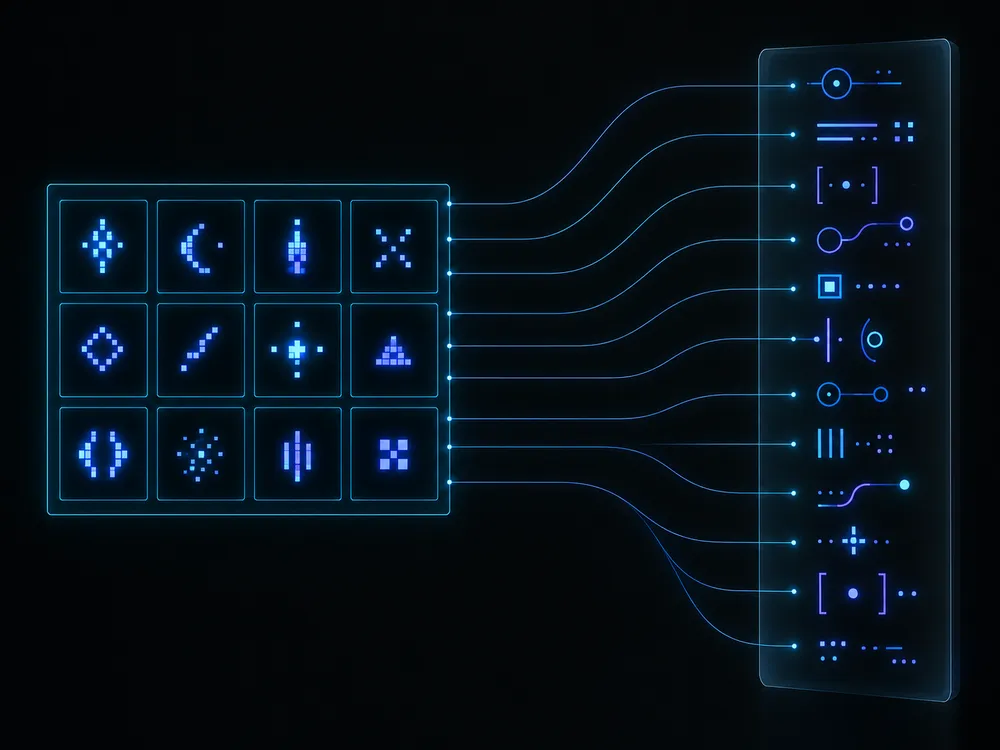
An element gets the whole sheet as its background, a size that matches one sprite, and a background-position that slides the sheet so the right sprite shows through. Positions are negative because the sheet moves up and left behind the element.
.sprite { display: inline-block; background-image: url(sprites.png); background-repeat: no-repeat; }
.sprite-heart { width: 28px; height: 28px; background-position: -64px 0; }
A sprite at x = 64, y = 0 on the sheet needs background-position: -64px 0. ZeroSprites writes one line like this per image.
When sprites still help
Sprites became popular when browsers opened only a handful of connections to each server and every image paid the cost of its own request. HTTP/2 sends many files over one connection, so that saving is smaller today. Sprites still earn their place when:
- Images must appear together. A hover or active state that lives on the same sheet is already loaded, so it never flashes blank.
- You draw to a canvas. Games and WebGL scenes draw from one texture far more cheaply than from dozens. A sprite sheet with a frame map is how most 2D engines expect art.
- You have many tiny files. Each file carries its own headers and its own decode. Fifty 16 px icons pack into one small image.
For a few large photos, separate files are simpler. For a vector icon set, an SVG sprite with <symbol> elements may suit better. Pick the tool for the job.
High-density screens
Export your images at twice their display size, name them however you like, and tick My images are @2x. ZeroSprites halves every width, height and position in the CSS and adds a background-size of half the sheet, so each CSS pixel maps to two image pixels.
Use even-numbered sizes at @2x. An odd size halves to a fraction of a pixel, which can blur an edge.
Accessibility
A background image has no alt text. If the sprite means something, give the element a role and a label: <span class="sprite sprite-heart" role="img" aria-label="Favourite"></span>. If it is decoration next to a text label, hide it with aria-hidden="true". Backgrounds can vanish in Windows high-contrast modes, so never let a sprite be the only label on a button.
Games: the JSON frame map
The JSON download uses the "JSON hash" texture atlas format: a frames object keyed by sprite name, each with its x, y, w and h, plus a meta block with the sheet's file name and size. Phaser's load.atlas() and PixiJS's spritesheet loader both read this format.
// Phaser 3
this.load.atlas('ui', 'sprites.png', 'sprites.json');
this.add.image(100, 100, 'ui', 'heart');
Keep the sheet small
- Trim empty borders from each image before packing. Transparent edges are still pixels.
- Group sprites by page or screen, so a visitor downloads only what they will see.
- Run the PNG through an optimiser. Reducing it to 256 colours often cuts the file by more than half for flat icons.